# Settings

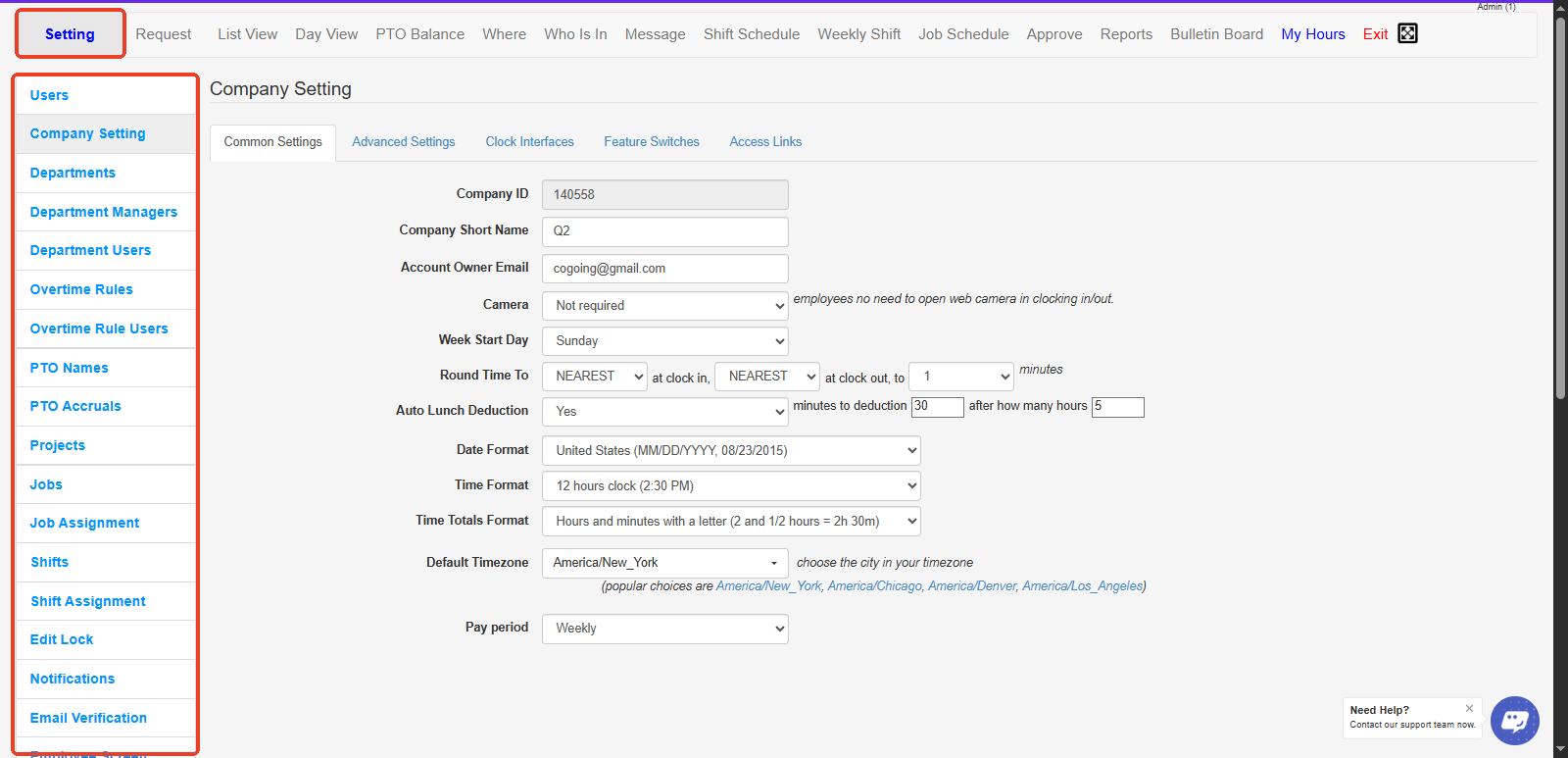
The **Settings Tab** in OpenTimeClock allows administrators to configure and customize various options for a seamless experience. This tab includes:

* **General Settings**: Adjust basic application settings, including time zone, company logo, and language preferences.
* **User Management**: Manage user access, assign roles, and set permissions.
* **Shift Configuration**: Set up work shifts, overtime rules, and break policies for employees.
* **Notifications**: Enable or disable notifications for different events and set notification preferences.
* **Integration Options**: Connect OpenTimeClock with other platforms for enhanced functionality.

These settings ensure that the clock system aligns with your organization's specific requirements and operational needs.
<figure><img src="https://2341424831-files.gitbook.io/~/files/v0/b/gitbook-x-prod.appspot.com/o/spaces%2FMZp90d9Kar54BXRBM0kI%2Fuploads%2FTF7zHQsWk88EGofFGtWp%2Fimage.png?alt=media&#x26;token=7fd1ff99-d7b0-498a-9258-92010cc82a43" alt=""><figcaption></figcaption></figure>

<p align="center"><a href="https://www.opentimeclock.com/signup.html" class="button primary" data-icon="user-plus">Sign Up for Free</a>                            <a href="https://www.opentimeclock.com/app.html" class="button secondary" data-icon="right-to-bracket">Log In</a>                            <a href="https://www.opentimeclock.com/" class="button secondary" data-icon="house-window">Home</a></p>

> <p align="center"><mark style="color:$info;">Feel free to contact us at our toll-free number: +1-833-702-2927 or email us at support@opentimeclock.com.</mark></p>
